Lighting design in DIALuxCalculated.
Before it is hung.
Our lighting designers calculate the light in DIALux and show it in a render. You see the result before you buy the first luminaire.
Render and light mapYou can see where
You can see where
the light lands.
The same aisle, the same luminaires. The map shows how much light falls on the floor and how much on the shelves with goods.
View
Opticians
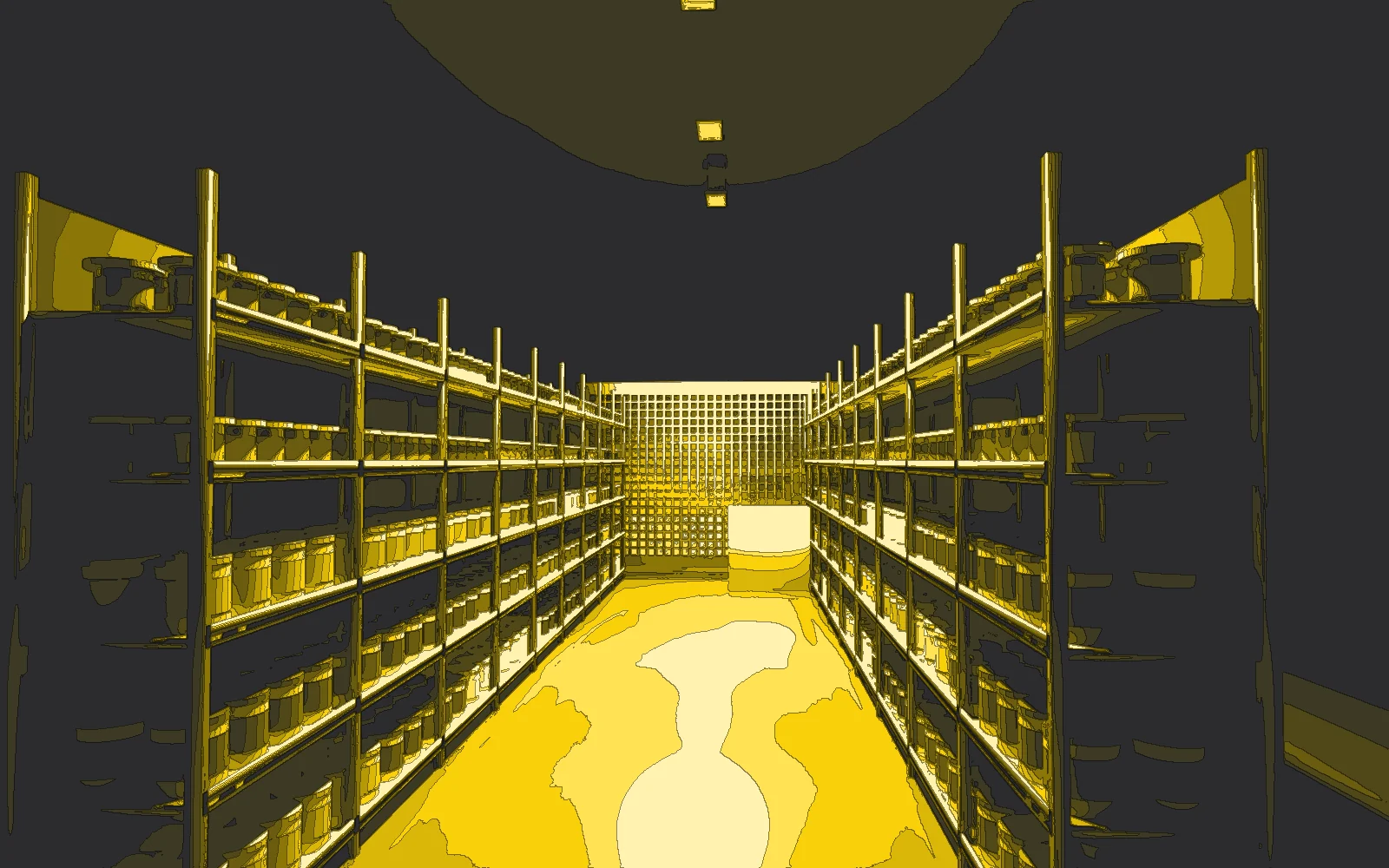
A map from our renderer: all surfaces are white and the colour shows how much light falls on them. Dark means little light, light yellow the most. In the design you get the same in lux from DIALux.
From floor plan
to luminaire list.
01 · Floor plan
You send a DWG or PDF. If needed, we come and measure.
02 · Calculations
DIALux: illuminance, uniformity and glare for every zone.
03 · Render
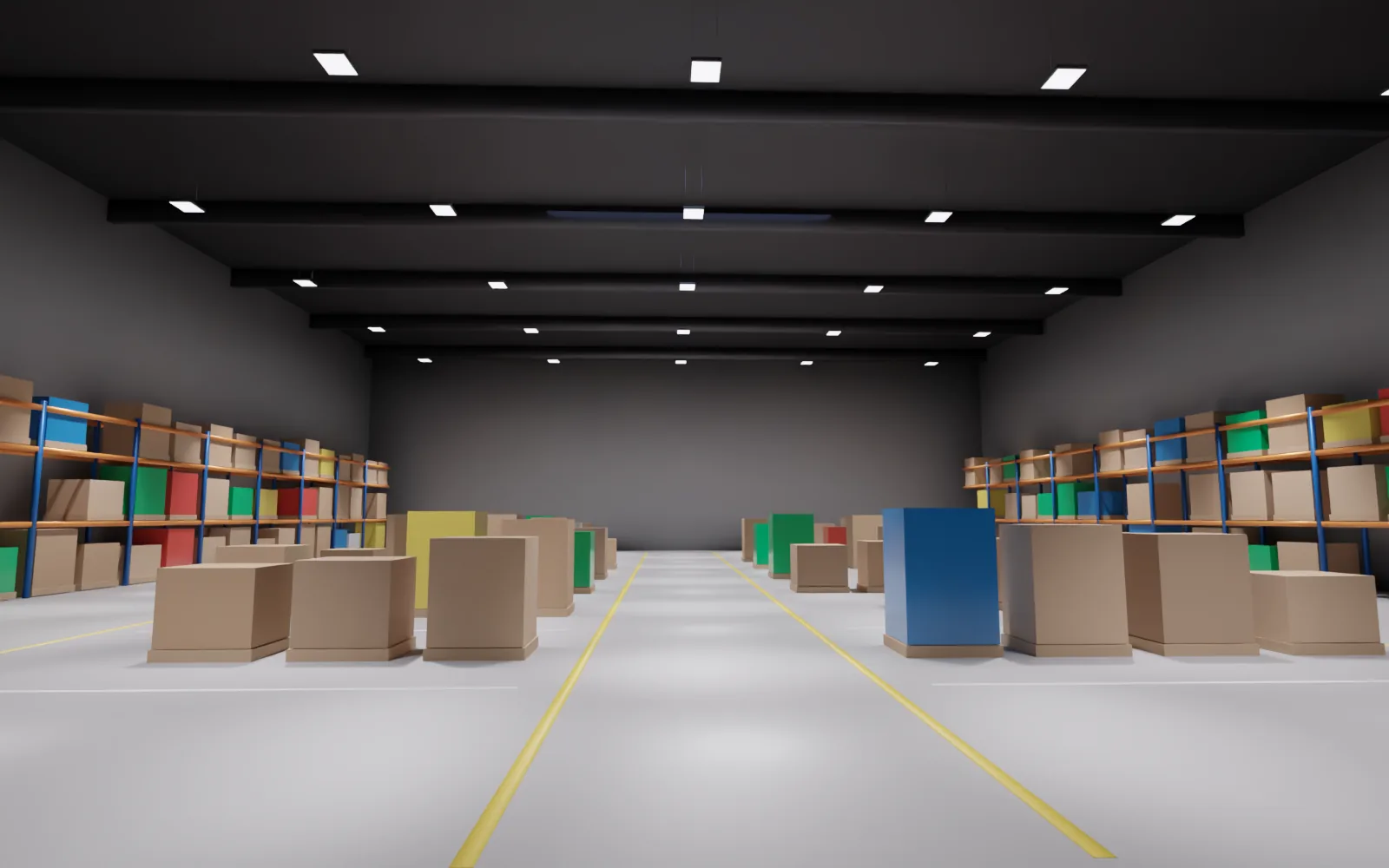
You see your store in the colour you choose, before you buy anything.
04 · Luminaire list
Luminaires, controls and electricity cost. Ready for the offer and installation.
What you get
A design that can actually be installed.
- DIALux report with illuminance and uniformity
- Renders in a colour matched to the goods
- Photometric files and 3D models for architects
- Electricity and return-on-investment calculation
- Control and scene plan
First we calculate.
Then we hang.
Never by eye.
Send the floor plan.
We will calculate the rest.
A lighting designer will get back to you with questions and a date.